

If you’ve been in the integration business long enough, I’m pretty sure you’ve seen this issue. There’s a big build, install was great, and a client who loves the place but can’t make a call from the kitchen. Everyone blames the Wi-Fi. Nobody mentions that the walls and glass are blocking cellular signal before it ever reaches the door.
A cellular amplification system can solve that. It takes the signal from outside and distributes it through the building. But it only works with preparation, and most of that happens before anyone mounts an antenna. When done wrong, the survey is skipped, the isolation is guessed, or nobody checks that signal exists outside to begin with.
Here is what to know before you quote and before you pull cable. I’ll also point out where our engineers can help take that work off your hands.
A distributed antenna system takes cellular signal from outside a building, cleans it up, and spreads it through the interior with a network of antennas. Cellular DAS design is the planning behind it. It decides which signal gets amplified, where the antennas go, how the system is wired, and how you prove it works.
This is a different category from the boosters you may have installed ten years ago. Older analog units rebroadcast whatever they heard, noise and interference included. Weak signal outside meant weak signal inside. Modern digital cellular amplification systems process the signal first. They separate carriers and bands, then distribute what has been cleaned up, so you control what gets amplified.
That control only works when someone has done the engineering. The equipment is the smaller part of the job.
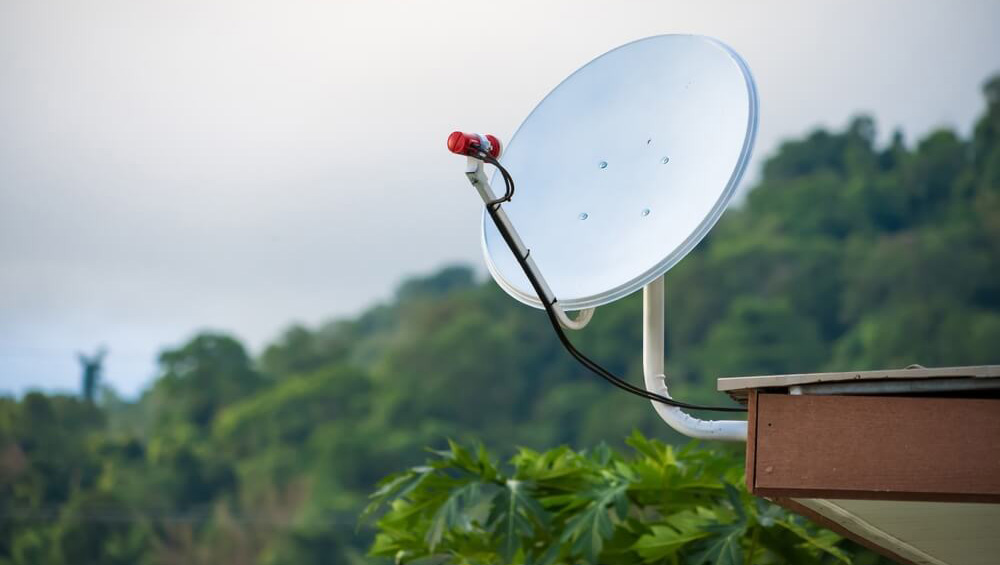
Signal has to exist outside before you can distribute it inside. No design changes that. So the first task is measuring donor signal for each carrier at locations around the building. That data tells you where the donor antenna belongs.
Measure every major carrier. Most families share one carrier, and residential systems are often built for just that one, which keeps the cost down. But signal can be strong for AT&T and missing for Verizon, and the homeowner should know their options. A full set of readings also gives you a record if they add a carrier or switch later. Take interior measurements too, so you have a baseline to compare against once the system is running. Bars on a phone won’t give you that. You need signal strength and quality numbers.
Then walk the building with the materials in mind. Low-E glass, metal roofing, concrete, and elevator cores all block signal. Note where people gather and how many will use the space, because capacity matters as much as coverage in a busy home or office.
Where we come in: before proposal or design, our engineering team confirms usable donor signal on the carriers your client wants and measures the rest for the record. We work directly with your technician in the field. If the signal isn’t there, you find out before any equipment is sold.
Match the system to the job. The goal is to avoid buying more than the property needs, and to avoid putting in less than it requires.
Property size drives most of the decision. A single-level home may need only a compact system with a handful of antennas. A multi-level estate calls for a head-end with remote antennas spread across floors. Campuses with several buildings usually need fiber between them.
| Property | Typical approach | Distribution cabling | Watch for |
|---|---|---|---|
|
Single-level home or small office |
Compact digital system, a few antennas |
Coax and Cat6 |
Donor antenna placement |
|
Large or multi-level estate |
Head-end with remote antennas |
Cat6 or fiber |
Isolation between donor and inside antennas |
|
Multi-building property |
Fiber distribution between buildings |
Fiber |
Carrier balance across buildings |
Cabling has changed too. Coax still makes sense between the donor antenna and the head-end. Use 50 ohm coax like LMR400 there. The 75 ohm coax already in most homes won’t work. Inside the structure, many systems run on Cat6, and larger properties can use fiber. That means the structured cabling your crew already knows, and an easier path when the client wants to add coverage later. Cellular DAS solutions built this way are easier to install and easier to expand than the heavy coax runs of the past.
Oscillation caused more early callbacks than anything else. When the inside and outside antennas feed back into each other, the system shuts itself down. The fix is isolation, and it has to be worked out before install, since fixing it afterward means moving antennas on a finished job.
Signal imbalance is the other trap. When one carrier is much stronger than the rest, it can overload an amplifier and drag the others down. Analog systems had no way to manage that.
Plan for donor antenna placement and aiming, power and backup, and room to grow. Carriers change bands, and clients add square footage. A design that fits only today’s building will cost you a return trip.
Where we come in: required isolation is calculated before installation. You get specific placement and aiming direction in place of “point it at the tower,” and commissioning confirms isolation and stable operation.
Cellular amplification systems operate on spectrum licensed to the carriers, and the FCC takes that seriously. Two points matter most on a commercial or estate job.
The FCC divides boosters into consumer and industrial classes. Industrial boosters carry a label stating they are not consumer devices and are designed for installation by FCC licensees or qualified installers. Consumer boosters have their own registration requirement with the carrier.
Carrier consent is the seco